Nice to see you!

Microsoft Teams Rooms

Bridge the distance between people in the office and working remotely. 
KonductiT helps you provide the best hybrid meeting experience.

What is Teams Rooms?

Bring Microsoft Teams to every meeting room

While Microsoft Teams on a PC offers high-quality audio, video, and collaboration solutions for individual use, Teams Rooms provides specially designed solutions for meeting rooms in the office to seamlessly support group meetings and deliver inclusive experiences for remote and in-person participants.

With Teams Rooms, participants can join meetings, share content, and securely collaborate with remote attendees in one step, making meetings productive and engaging for everyone, no matter where they are located.

We see that Teams and Teams Rooms are currently the first choice for organizations when selecting a video conferencing solution. 

Why organizations choose Teams Rooms

Unified Collaboration

Teams allows you to consolidate all technology, tools, and voice solutions in one place.

Ready for Modern Employees

Increase your employees' productivity with a true collaboration hub, accessible from any device, whether at home, in the office, or on the go.

Future-Proof and Worry-Free

Teams Rooms is flexible and easy to set up, scale, use, manage, and secure.

Teams Rooms for rooms of any size

Teams Rooms for Small Spaces

2-6 people

Designed for rooms of 2-6 people. Depending on the furniture layout, you have the option to mount the hardware on the wall or on the screen.

  • One-touch meeting control via tablet
  • Yealink A10/20 All-in-One Collaboration Bar
  • Wireless sharing with WPP30 USB-A&C dongle
  • Auto-framing, Speaker tracking, and PiP mode
  • Also suitable for Zoom, WebEx, and Google.
  • Remote Device Management

Teams Rooms for Medium-Sized Rooms

6-12 people

Designed for rooms of 6-12 people. The systems can be mounted on the meeting room furniture or on the wall below the screen.

  • One-touch meeting control via tablet
  • Yealink A30 All-in-One Collaboration Bar equipped with 2 cameras
  • Wireless sharing with WPP30 USB-A&C dongle
  • Auto-framing, Speaker tracking, and PiP mode
  • Also suitable for Zoom, WebEx, and Google.
  • Remote Device Management

Teams Rooms for large spaces

12+ people

Designed for rooms of 12 or more people with rotating camera(s). They are typically used in boardrooms, training rooms, and large collaboration spaces. By adding extra microphones and speakers, even the largest rooms can be equipped with a Teams Rooms system.

  • One-touch meeting control via tablet
  • Yealink MVC840/860/940/960 PTZ camera system
  • Wireless sharing with WPP20 USB-A&C dongle
  • Auto-framing, Speaker tracking, and PiP mode
  • Also suitable for Zoom, WebEx, and Google.
  • Remote Device Management

Teams Rooms Advisors

The KonductiT team has been involved in the implementation of Microsoft's UC solutions like LCS, OCS, Lync, Skype for Business, and now Teams, since 2005. We hold the required Microsoft Teams and Yealink certifications, which confirm our expertise and dedication to delivering high-quality services in Microsoft Teams Rooms. This enables us to expertly advise you on all aspects of Microsoft Teams and Teams Rooms, including implementation, migration, and adoption.

Microsoft Teams Rooms Technical Solutions Professional Badge 2023

Teams Rooms Advisors

De medewerkers van KonductiT zijn vanaf het allereerste begin betrokken bij implementaties van Microsoft’s UC oplossingen zoals OCS, Lync, Skype for Business en nu Teams. Daarom zijn we in staat u op een deskundige manier te adviseren over alles rond Microsoft Teams en Teams Rooms: implementatie, migratie en adoptie.

Microsoft Teams Rooms Technical Solutions professional badge

Advantages of Microsoft Teams Rooms

One-Touch Meeting

Start every meeting with one click on the central touch panel. Simply tap the "Join Meeting" button on the room control panel and you're ready to go. What's more, the room control panel has the same familiar look and feel as the PC/Mobile client, ensuring a smooth user experience.

Proximity Detection

Your laptop or mobile Teams app can detect nearby Microsoft Teams Rooms and add you to the meeting. See these rooms at a glance on your mobile, and add the room to the meeting. It's that simple.

Easy Planning

Everyone who uses MS Outlook and Teams knows how easy it is to set up a meeting. Schedule a meeting in Outlook, press the Teams Meeting button, and add your chosen meeting room just as you would a colleague.

Intelligent Meeting Room Experience

As soon as you enter the room, Microsoft Teams gives you the option to add the room to the meeting. If others are joining on separate devices in the room, Teams will recommend connecting without audio, avoiding annoying echo and optimizing the meeting experience.

Managed Meeting Rooms

Managed Meeting Rooms is a cloud-based IT management and monitoring service that keeps Microsoft Teams Rooms devices and their peripherals up to date and proactively monitored. This all supports a workplace optimized for a first-class user experience.

Content Camera and Intelligent Capture

With the content camera, physical whiteboards become part of the meeting experience for both remote and in-person participants. Moreover, and to ensure the best viewing experience for remote attendees, the presenter becomes transparent when standing in front of the board. This ensures that everyone can be part of the meeting, regardless of location or device.

Teams Booking Panels

Use and Manage Meeting Rooms with Ease and Efficienc

Need a meeting room on short notice? Easy! Microsoft Teams Panels offer the convenience of booking a meeting on the spot and ad-hoc. Simply walk up to the panel, see the availability, press the Reserve button, and select the desired duration. Dankzij het grote scherm met hoge resolutie kan iedereen duidelijk de planning en beschikbaarheid van de ruimte voor die dag zien. 

Perfect in combinatie met een Teams Rooms systeem. Wanneer je de vergaderruimte binnenkomt, staat de vergadering al gepland op het Teams Rooms touch paneel. Druk gewoon op de knop ‘Deelnemen’ en je kunt beginnen met videovergaderen en samenwerken. 

Hardware for video conferencing

When selecting equipment for video conferencing systems, it's important to carefully consider the requirements. For factors like room size, camera image quality, video display resolution, and functionality, it's not always easy to make the right choice for the necessary video conferencing hardware.

KonductiT can support your organization in choosing the best equipment for your wishes and needs based on these criteria. 

Additionally, it is also important to carefully consider the wide range of television/monitor sizes that offer the correct resolution and suit the size of the meeting room.

A live demo?

We'd be happy to visit you,
or simply remotely via Teams.

Transform your spaces with
Microsoft Teams Rooms

By bringing Teams Rooms into your conference and meeting spaces, you make the most of Microsoft's collaboration platform. With certified Teams devices, you get real-time access to content sharing, one-touch join, and more. You are just one touch away from the ultimate meeting experience. KonductiT is happy to advise you on all the possibilities of Teams Rooms.

Schedule an appointment with KonductiT today

Complete Microsoft Teams and Use Teams Rooms
in every meeting room

Our Blog

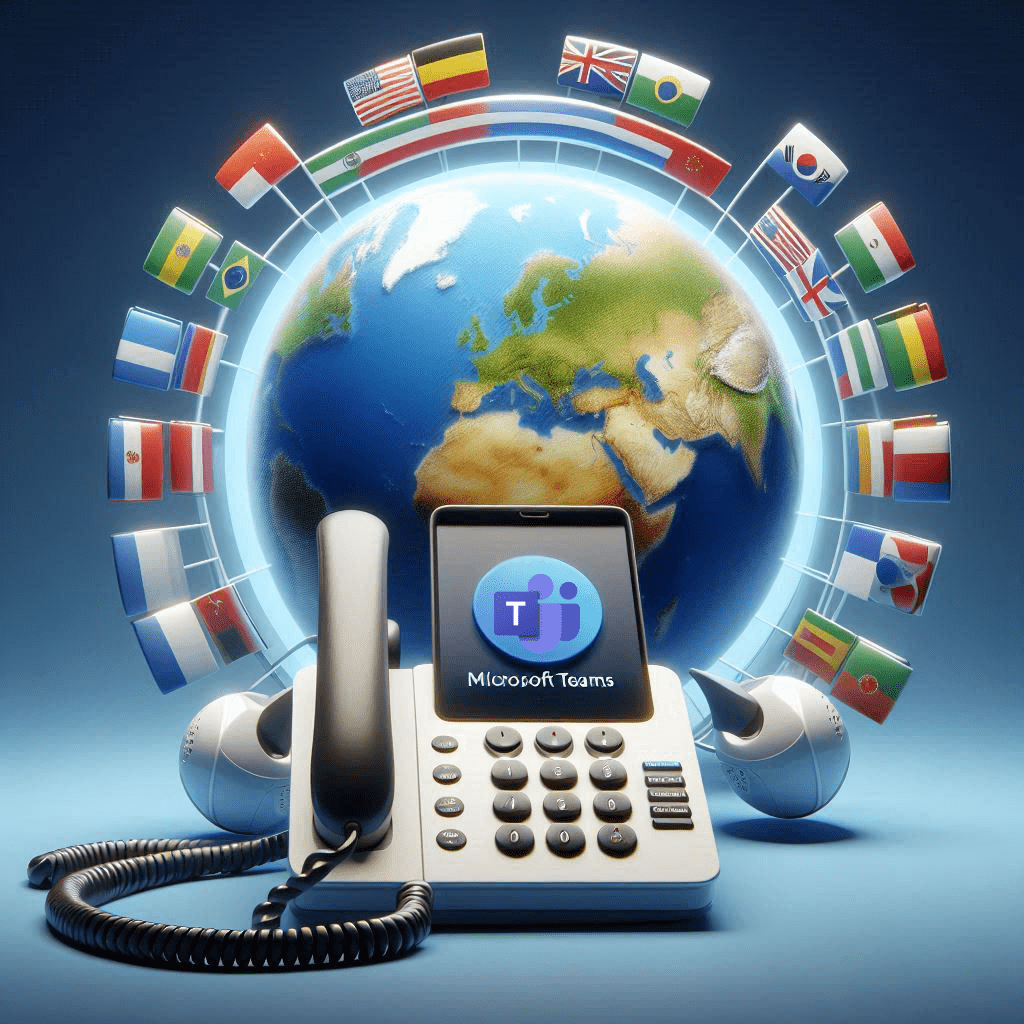
Teams - International Telephony
Teams Phone

International calling with Teams Phone: how to solve the puzzle

In de moderne wereld van internationaal zakendoen is verbondenheid en efficiëntie van cruciaal belang. Voor bedrijven die over grenzen heen werken, is Microsoft Teams een onmisbare tool voor samenwerking en communicatie. Maar, zodra we lokale telefoonnetwerken en telefoonnummers willen koppelen aan Microsoft Teams, lijkt het soms wel
Lees Meer »
thuiswerken
Hybride Werken

7 Tips to Stay Productive When Working from Home

Thuiswerken is de nieuwe norm, en het is belangrijk om productief te blijven en goed voor jezelf te zorgen. Met deze 7 tips zorg je dat je fijn en effectief thuis kunt werken! 1. Hou een Duidelijk Dagritme Begin de dag alsof je naar kantoor gaat: sta

Lees Meer »
Werken op afstand
Hybride Werken

Remote work is here to stay

Vóór COVID-19 zagen we al hoe belangrijk technologie was om ons werk efficiënt te kunnen doen. Maar door de pandemie werd pas echt duidelijk hoe afhankelijk we zijn van technologie. In 2022 hebben werknemers dan ook nieuwe verwachtingen: werken op afstand is niet langer een extraatje, maar

Lees Meer »
Teams Phone

We’ve seen two years’ worth of digital transformation in two months. From remote teamwork and learning, to sales and customer service, to critical cloud infrastructure and security—we are working alongside customers every day to help them adapt and stay open for business in a world of remote everything.